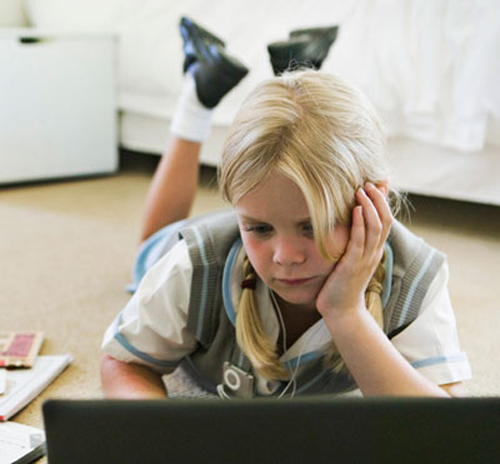
Managing the internet How to ensure safe, effective use
The internet invites your
child into an arena of learning, friendships, and fun that can be rich
and exciting. She can reach out to other children across the globe and
interact in real time, peer into the world of others through YouTube,
and share something of herself on social networking sites and in chat
rooms. Helping your child make the most of her time online and minimize
and manage the dangers requires the same skills and vigilance you would
apply to any other aspect of your child’s life.
Freedom and limits
Agree with your child
where she can go online and what’s out of bounds. See this as
co-management of her internet use, something discussed and agreed with
your maturing child, rather than a rule brought down by you. Apply
parental controls and filters to ensure that your child’s searches come
up with appropriate content and to avoid offensive pop-ups. If you’re
not sure how to set up controls effectively, seek help online. Check
regularly that controls are still in place as your techno-rebellious
child may try to take them off. Keep filters under review: As she
matures your child may value access to sites, such as those giving
advice about relationships or puberty, which need an adjustment of
limits.
Quality time
Using the computer doesn’t
need to be a solitary pursuit. You can search, play games, and watch
movies or television with your child. Shared use means you can enjoy
time together and get an idea of the sites your child enjoys.
Train yourself
You’ll be in the
best position to help your child online if you are familiar and
comfortable with the computer and internet yourself. Being e-literate,
particularly when it comes to new and developing areas, allows you to
understand and be able to talk with credibility about the sites your
child visits. You can learn formally (often local adult learning centers
run computer courses), work through a book, or seek the help of your
knowledgeable child.
Time
Do agree limits on your
child’s time on the internet to ensure she has space for activities in
the “real” world. Internet sessions of around an hour or two a day, with
a break to stretch every 20 minutes, will leave your child time to
spend with you and her friends. Limit yourself, too: Internet use can be
the thief of family time for adults as well as children.
Supervision
As with anything your
child does, she’ll need some degree of supervision and guidance. This is
easier if your computer is in a family area of the house with the
screen facing the room. Having the computer in a well-used area means
you can look in on your child as you go about family life. You may be
under pressure to permit computers in your child’s bedroom, away from
adult supervision. This is not recommended as it severely limits your
ability to supervise content and monitor the amount of time spent
online.
Trust
You cannot look over your
child’s shoulder all the time, so it is essential to build up trust that
she can use the internet safely. You will still need to supervise and
check in with her but, by setting rules together and giving her some
credit for regulating herself, you will build her sense of
responsibility.
Personal safety
There is no
guaranteed way to stay completely safe online, but you and your child
can work out how to minimize risks. Pin up a list of your agreed safety
points next to the computer as a reminder. These could include:
Stick to regulated, supervised sites.
Anything being posted on a social networking site will be agreed between the two of you in advance.
Keep
personal details of herself, other family members, and friends to
herself and don’t share even with the closest online friends.Be respectful of others in what you write and post about them.
Tell immediately if someone is pressing for intimate information or suggests meeting in the real world.
Techno-savvy
The internet is
becoming an essential part of everyday life. Supervision and a few rules
will ensure that your child can use it safely.



Togetherness
Computers can
offer shared activity such as creating blogs together or watching
streamed movies, so it need not be a solitary pursuit.

Cyber bullying A growing form of abuse
Cyber bullying is when
internet and mobile technology are used to spread malicious comments or
embarrassing gossip, video, or photographs. It can be particularly
distressing to your child because there are few places she can gain
respite from such messages. They follow her around through her mobile
technology and invade the safety of home through her computer. Cyber
bullying can also rapidly reach a very wide audience. This can increase
the impact on your child as she becomes aware of the number of people
seeing negative things about her.
If your child is cyber bullied
Agree that she
will not reply to the messages or defend herself through IM’s, blogs, or
postings. Replying can give the bullies a buzz because it tells them
she cares and is affected by their actions.Make
it clear that she should not fight back by being abusive in return.
Talk over how this reduces her to the same level as the bullies, and
makes it more difficult to stop them if she joins in the same pattern of
behavior.Ask
her to save all negative items. She doesn’t need to look at or read
them, but they form the evidence needed to stop the bullies. Keeping a
record of the time and date of each message is also helpful.Report
the abuse to the authorities. It is illegal to threaten or abuse you or
your child, and help is available. Contact your child’s school to get
them to apply their anti-bullying policy, which should include steps to
stop cyber bullying. If necessary, take your complaint to the police and
alert websites that are hosting the forums where the malicious messages
are posted.While
action against the bully is taking place, change your child’s email and
mobile contact details and block email addresses so messages don’t get
through.Get her
to take a break from her mobile technology. For a few hours a day, ask
her to turn off her phone and use the internet only to research homework
and not to IM, or access emails, chat rooms, or her blog. This way,
she’s not exposed to the negative messages and can relax for a while.Cyber
bullies are often known to your child offline. They may target her in
the real world, too, so ensure she is well supervised when not at home
and knows who and how to tell if bullying occurs.
Threatening texts
Cell phones can be used by cyber bullies to send abusive text messages. Changing your child’s phone number may help.
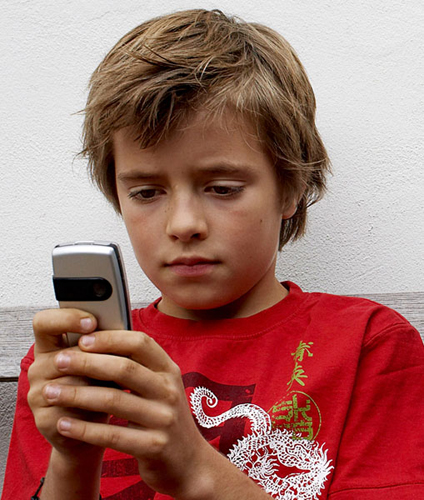
Friend or foe?
Although useful for many, the internet can become a means for bullies to distribute hurtful things about your child.